Advanced Sound Design: Creating Immersive Worlds with Foley and Ambience
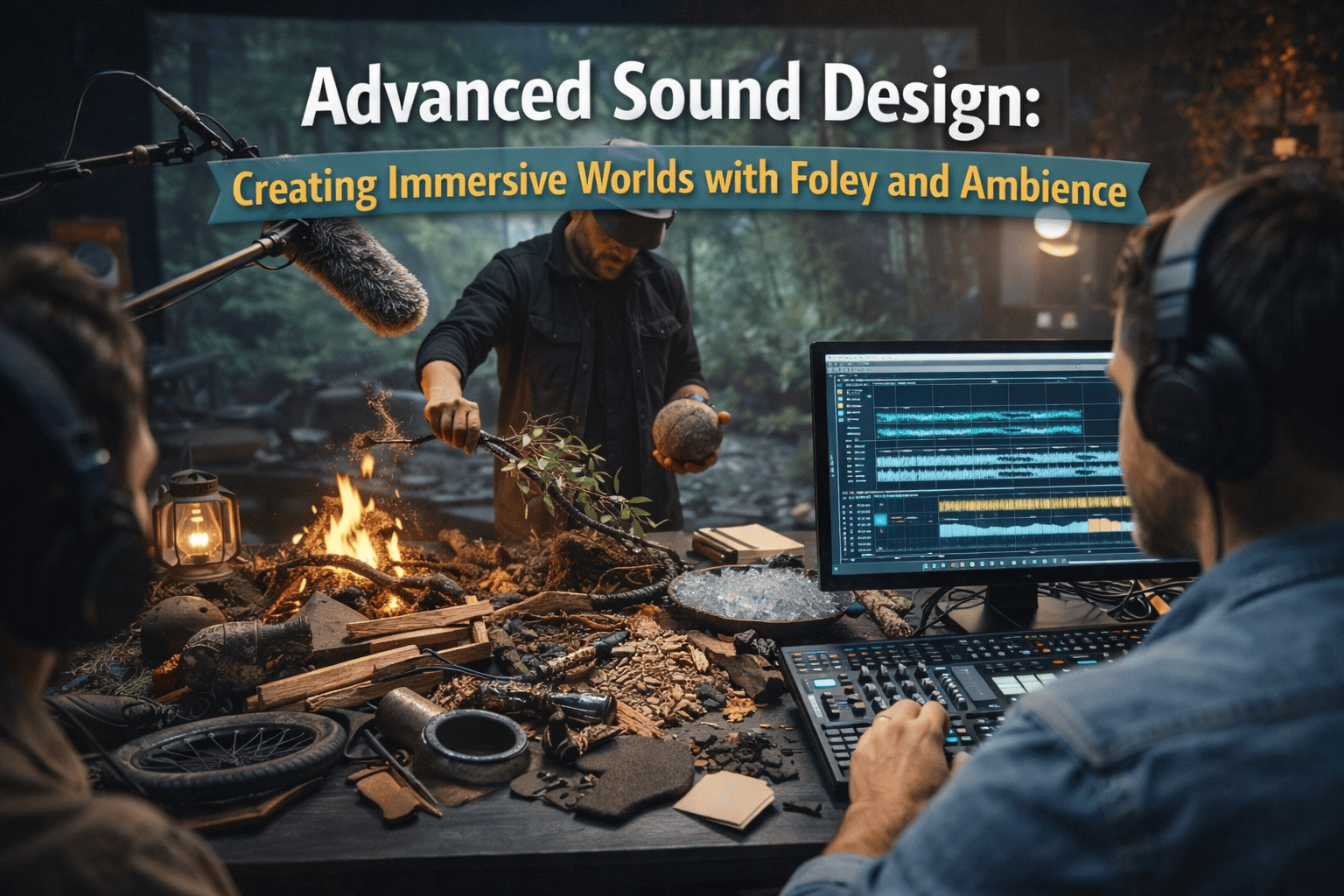
Professional sound design is not about one loud track; it is about a "Vertical Stack" of audio layers. In cinema, we rarely use the audio recorded on the day of the shoot for anything other than the voice. Everything else—the footsteps, the wind, the rustle of a jacket—is reconstructed in post-production.
Phase 1: The "Audio Sandwich" Architecture
To create an immersive world, you must layer your audio like a sandwich. Each layer serves a specific psychological purpose.
1. Layer 1: The Ambience (The Bed)
- The Workflow: Always record 60 seconds of "Room Tone" (silence at the location) before you leave a shoot.
- The Goal: Use this loop under your entire edit to cover "digital silence" gaps, making the video feel like one continuous experience.
2. Layer 2: The Foley (The Human Touch)
- The Action: Identify every physical interaction: a hand touching a table, a foot hitting gravel, or a hand reaching into a pocket.
- The Technical Step: Record these sounds separately using a condenser microphone close to the source. This is called "Spotting."
Phase 2: The Foley Workflow (DIY Studio)
You don't need a multi-million dollar studio; you need a quiet room and the right "Proximity."
Step 1: The "Proximity" Trick
- Action: Place the mic inches away from the action (e.g., 2 inches from a camera shutter) to capture the mechanical "texture" missed from a distance.
Step 2: Texture Layering
- The Workflow: Most cinematic sounds are 2 or 3 sounds combined. Layer these on your timeline and align them perfectly for maximum impact.
- Example: A cinematic punch = a wet towel hitting a table + a dry stick breaking + a low-frequency "thud."
Phase 3: Advanced Ambience & "World Building"
Ambience tells the viewer where they are without showing them.
1. 3D Panning (Stereo Width)
- The Action: Use your software’s "Pan" tool to place sounds across the stereo field (e.g., birds 40% Left, wind 30% Right).
- The Result: This creates "Stereo Width," making the sound feel wrapped around the viewer's head.
2. The "Sub-Bass" Presence
- The Manual Step: Add a very low 40Hz–60Hz drone at a low volume (-30dB). This creates a sense of "Weight" and "Seriousness" in the scene.
Phase 4: The Mixing & Mastering SOP
Once your layers are stacked, you must "Glue" them together.
- Reverb Matching: Use "Convolved Reverb" on Foley tracks to make them sound like they exist in the same physical space as the video.
- Frequency Slotting: Use EQ to cut a small "hole" in music and SFX at the 3kHz range to ensure human speech remains clear.
- Side-chain Compression: Set your background music to automatically "duck" (lower by 3-5dB) whenever the voiceover starts.