The Viral Architecture: How to Engineer High-Retention Videos from Day 1
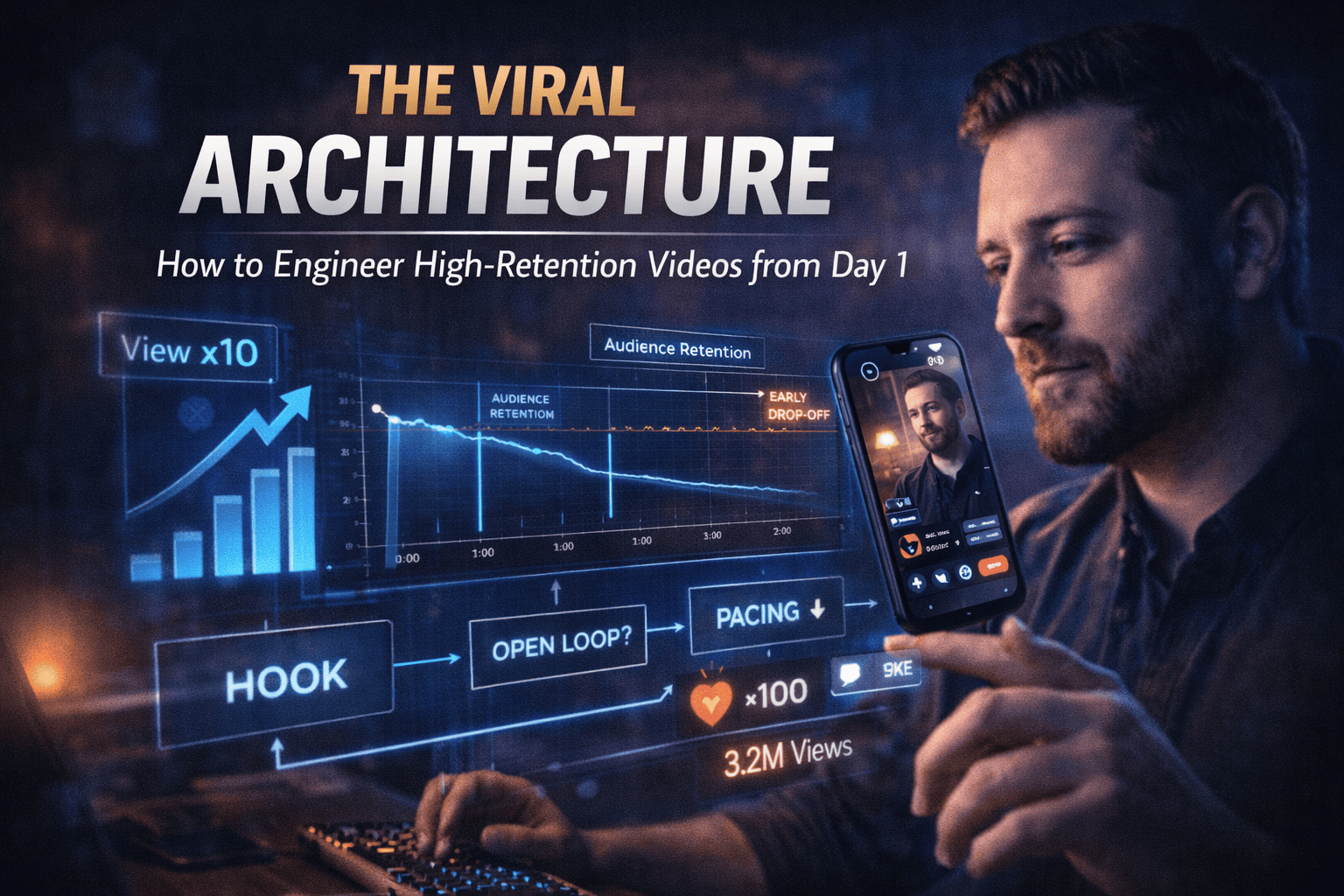
In the creator economy, Retention is Currency. If you can keep a viewer on the screen, the platform will reward you with reach. To do this, you must move away from "vlogging" and toward "Architectural Content Design."
Phase 1: The Psychology of the Click (CTR Engineering)
A video cannot go viral if no one clicks. Your Click-Through Rate (CTR) is determined by the relationship between your Title and Thumbnail.
1. The "Cognitive Gap" Strategy
Your thumbnail should present a visual "problem," and your title should offer the "solution" or the "mystery."
- Rule of Thirds: Place the most important subject (usually a human face with an emotion) in the left or right third of the frame.
- The 3-Word Title Rule: If a viewer can't understand the value of your video in 3 words or less while scrolling, they will keep moving.
- Avoid Duplication: Do not put the same words in your thumbnail that are in your title. Use the thumbnail for Emotion and the title for Context.
Phase 2: The Retention Blueprint (The Timeline)
High retention is built by managing the viewer's "Dopamine Spikes." Follow this 4-part architectural structure.
Part 1: The 5-Second "Value Lock" (The Hook)
The first 5 seconds must prove that the thumbnail wasn't "Clickbait."
- The Manual Step: Start in the middle of the action or state the specific result the viewer will get.
- Visual Pacing: Use at least 3 different camera angles or text overlays in these first 5 seconds to "wake up" the viewer's brain.
Part 2: The "Open Loop" Framework
An "Open Loop" is a curiosity seed. You tell the viewer what you are going to do, but you wait to show them how until the end.
- The Workflow: Every 2 minutes, introduce a new question or a new challenge. The viewer will stay because their brain wants to "close the loop."
Part 3: The "Valley of Boredom" (The Middle)
The middle of the video is where most creators lose 50% of their audience.
- Pattern Interruption: Every 60 seconds, change the background music, add a sound effect (SFX), or zoom in slightly. These "jolts" reset the viewer's attention span.
- The "Actionable Block": Ensure every segment provides a "mini-win"—information they can use immediately.
Part 4: The "Non-Ending" (The Bridge)
Traditional endings like "Thanks for watching" act as a signal for the viewer to leave.
- The Pro Workflow: Do not say goodbye. Instead, use a "Bridge." Tell them, "Now that you know how to light your video, you need to fix your audio here," and point to your next video.
Phase 3: The Technical Retention Stack
Virality requires technical precision in the edit.
- Visual Hierarchy: The viewer's eye should always know where to look.
- Subtitles: Use high-contrast, "Pop-up" captions. This keeps viewers engaged even if sound is off.
- The "B-Roll" Ratio: For every 10 seconds of talking, aim for 4 seconds of supporting footage or graphics.
- Sound Design (The Unconscious Hook):
- Whooshes: Use when transitioning between scenes.
- Risers: Use when building tension before a big reveal.
- Digital "Pings": Use when key points or text appear on screen.
Phase 4: Data-Driven Optimization (Post-Upload)
The work doesn't end when you click "Publish."
1. The "First 24-Hour" Audit
- The "Dip" Analysis: If you see a sharp drop at the 30-second mark, your hook failed. Record a different intro for your next video.
- The "Flatline": If the graph stays flat, you have high engagement. Study that section—repeat those elements in future videos.
2. A/B Testing Thumbnails
- Action: If your CTR is below 4% but retention is above 50%, change the thumbnail color or facial expression to trigger the algorithm to re-test the video.