The Manual Mode SOP: Mastering Aperture, Shutter, and ISO for Professional Consistency
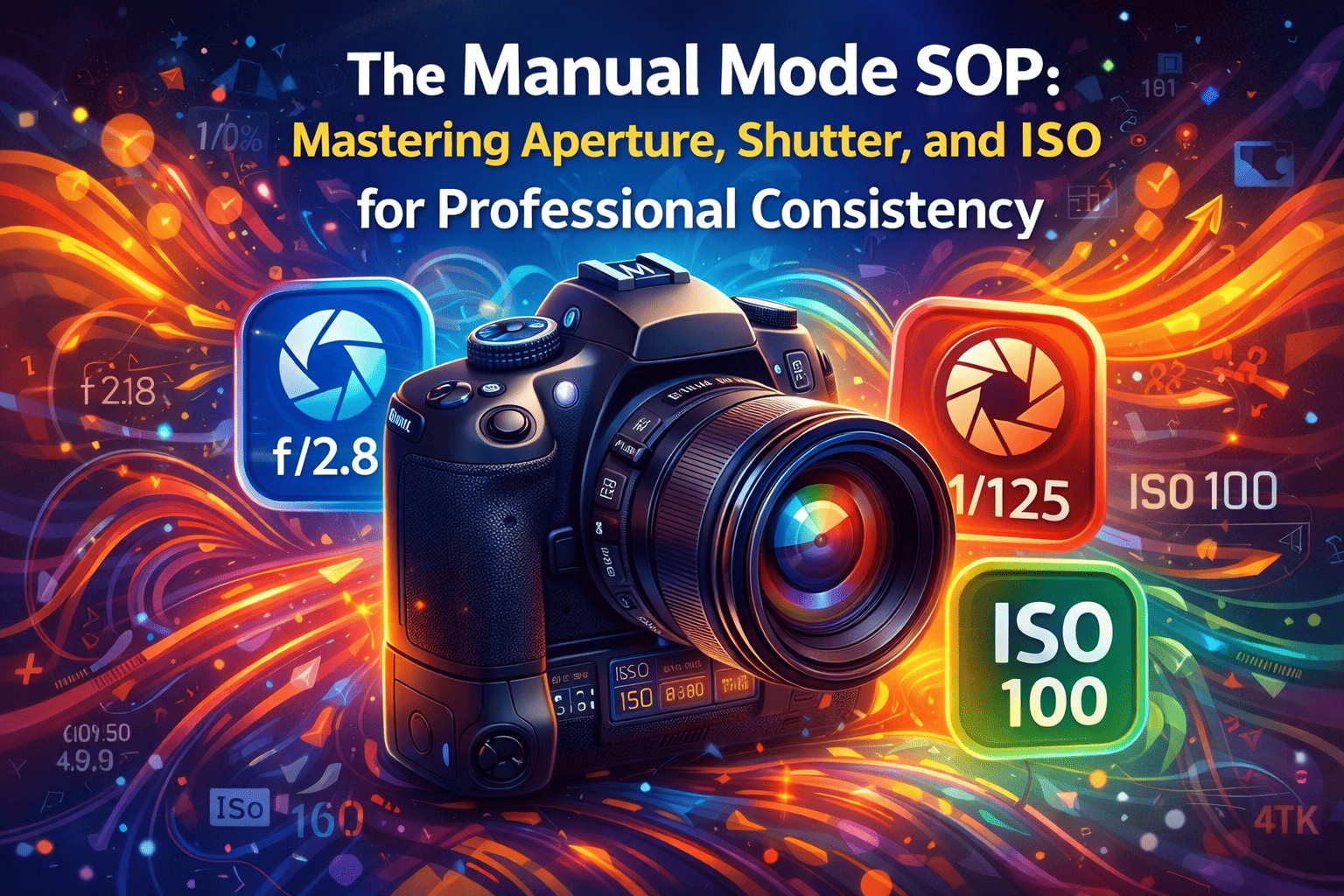
In professional cinematography, consistency is the goal. If your camera settings change mid-shot, your footage becomes difficult to edit and grade. This manual provides a step-by-step workflow to lock in your settings for professional, repeatable results.
Phase 1: Understanding the Exposure Triangle
Exposure is the total amount of light hitting your camera sensor. It is controlled by three interconnected settings. If you change one, you must adjust another to keep the balance.
1. Aperture (The "Eye" of the Lens)
Aperture is the opening in your lens, measured in f-stops (e.g., f/1.8, f/4, f/11).
- The Physics: A small f-number (f/1.8) means a wide opening (more light). A large f-number (f/11) means a narrow opening (less light).
- The Aesthetic: Aperture controls Depth of Field.
- Low f-stop (f/1.8): Creates a blurred background (Bokeh).
- High f-stop (f/8+): Keeps everything in focus.
2. Shutter Speed (The "Motion" Control)
Shutter speed is how long the sensor is exposed to light. In video, this is governed by the 180-Degree Rule.
- The Rule: Your shutter speed should be double your frame rate.
- If shooting at 24fps, set shutter to 1/50.
- If shooting at 60fps, set shutter to 1/120.
- The Impact: Too fast looks "choppy"; too slow looks "smeary."
3. ISO (The "Sensor Sensitivity")
ISO is the artificial amplification of light by the sensor.
- The Goal: Keep ISO as low as possible to avoid "Noise" or "Grain."
- Base ISO: Every camera has a "Base ISO" where the image is cleanest. Always aim for this value.
Phase 2: The Manual Mode Workflow (Step-by-Step)
Follow this exact order when setting up your shot to ensure you don't break the "look" of your video.
- Set Your Frame Rate & Shutter Speed: Decide on your "feel" (24fps for cinema) and lock the shutter speed. Do not change this again.
- Set Your Aperture: Decide how much background blur you want. f/2.8 is often the sweet spot for interviews.
- Set Your ISO to "Base": Start at your camera’s lowest native value (usually 100 or 800).
- Add Lighting or ND Filters: If it's too dark, add light. If too bright (especially outdoors), use an ND Filter to keep your wide aperture without overexposing.
Phase 3: Advanced Exposure Tools
Stop guessing by looking at the small screen. Trust the data tools built into your camera:
- The Histogram: Ensure the graph doesn't touch the far right (blown highlights) or far left (crushed shadows).
- Zebra Patterns: Stripes that appear over overexposed areas. Set to 70% for skin tones.
- False Color: Uses specific colors to indicate exposure levels (Green/Pink usually denotes skin).
Phase 4: Consistency Check (The SOP)
- White Balance: Lock to a specific Kelvin value (e.g., 5600K). Never use Auto WB.
- Focus: Switch to Manual Focus once set to prevent "hunting."
- Audio Levels: Verify peaks hit -12dB.