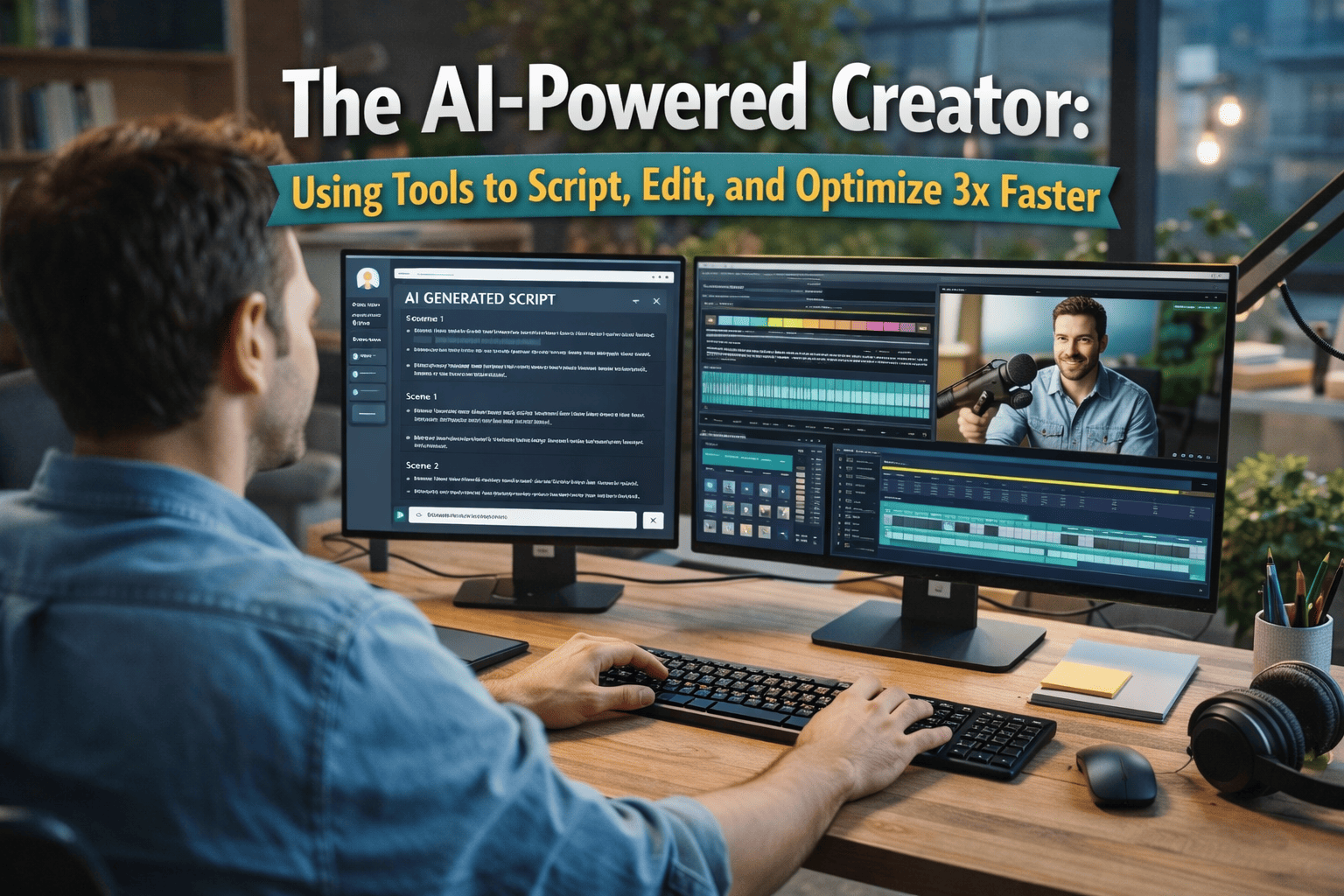
This manual is designed as an operational SOP for Filmfreebies.com to help creators integrate Artificial Intelligence into their workflow. In 2026, AI is no longer a luxury; it is a fundamental tool for maintaining production speed. This guide provides a technical workflow to use AI as a "Creative Assistant" to triple your output without sacrificing quality.
The goal of AI integration is to automate "Low-Value Tasks" (transcribing, basic cutting, keyword research) so you can focus on "High-Value Tasks" (storytelling, acting, and directing).
Phase 1: AI-Assisted Ideation & Scripting
Writer’s block is the biggest bottleneck. AI generates the "Skeleton" of your content in seconds.
1. The "Title-First" Workflow
- The AI Prompt: "Generate 15 high-CTR YouTube titles for a video about [Topic] targeting [Audience]. Use psychological triggers like curiosity or specific desire."
- The Refinement: Pick the best 3 and ask the AI to combine them into one "Super-Title."
2. Structural Scripting (The Hook-Body-Payoff)
- The Action: Provide the AI with your core 3 points.
- The Prompt: "Create a script outline using the 'Open Loop' framework. Suggest 3 hooks for the first 5 seconds and 2 'Pattern Interrupt' points."
Phase 2: AI-Powered Production & Audio
Technical errors can be "fixed in prep" using AI reconstruction tools.
- AI Voice Enhancement: Use tools like Adobe Podcast to remove background noise and add "synthetic warmth." This makes a $50 mic sound like a $1,000 studio setup.
- Teleprompter Automation: Use voice-activated teleprompter apps. The script only moves when you speak, reducing "take" counts by 50%.
Phase 3: The AI Editing Workflow (The Speed Layer)
AI can cut the editing-to-filming ratio down to 1:1.
1. Automated "Silence Removal"
- The Workflow: Use plugins like Timebolt or Descript.
- The Action: Run raw footage through the AI to "ripple delete" silences and "ums" for a perfect Radio Edit in under 60 seconds.
2. AI B-Roll & Stock Integration
- The Benefit: Use tools that "listen" to your transcript and suggest relevant stock footage or generate AI-images to cover cuts, increasing visual pacing.
3. Auto-Captions & Subtitles
- The Action: Use AI generators for dynamic "Pop-up" subtitles.
- The Manual Step: Always do a "Human Pass" to correct technical jargon or brand names.
Phase 4: Optimization & Distribution
AI helps you win the "Algorithm War" post-render.
- The "Metadata Stack": Have AI write a 200-word SEO-optimized description with timestamps based on your final script.
- Viral Clip Extraction: Use tools like OpusClip to analyze your 10-minute video for high-emotion moments and automatically crop them into 9:16 vertical videos for TikTok and Reels.