BEFOREAFTER
Cinematic Color LUT Generator
Create cinematic colour grades in real time with 3-way colour wheels & pro controls, preview before/after on your photo, and download CUBE, XMP & HALD LUTs — made on the fly, free.
Loading 670 themes & grading engine…
You might also like
Explore more free creator tools — no signup, in your browser
FilmFreebies Academy · Free
Master the skill behind Cinematic LUT Generator
Free step-by-step lessons with diagrams, examples and camera settings.
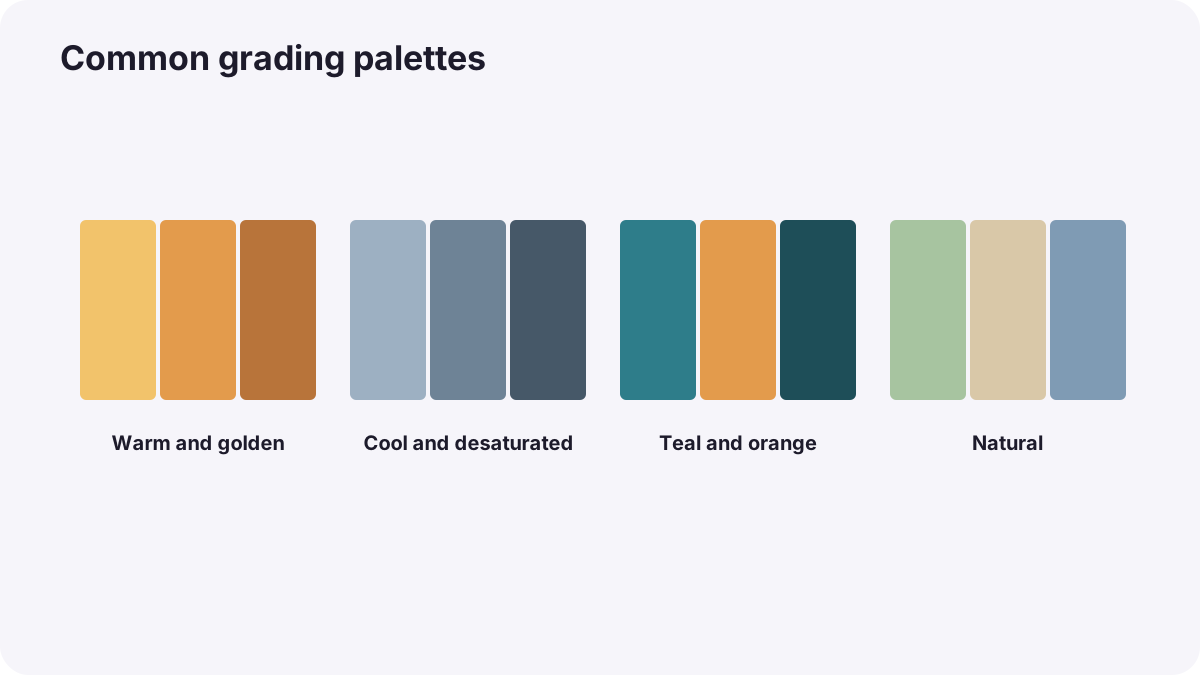
Color Grading for VideoCreating a Cinematic Look
Learn to create a cinematic look: what makes footage feel cinematic, contrast curves, color palettes, film emulation…
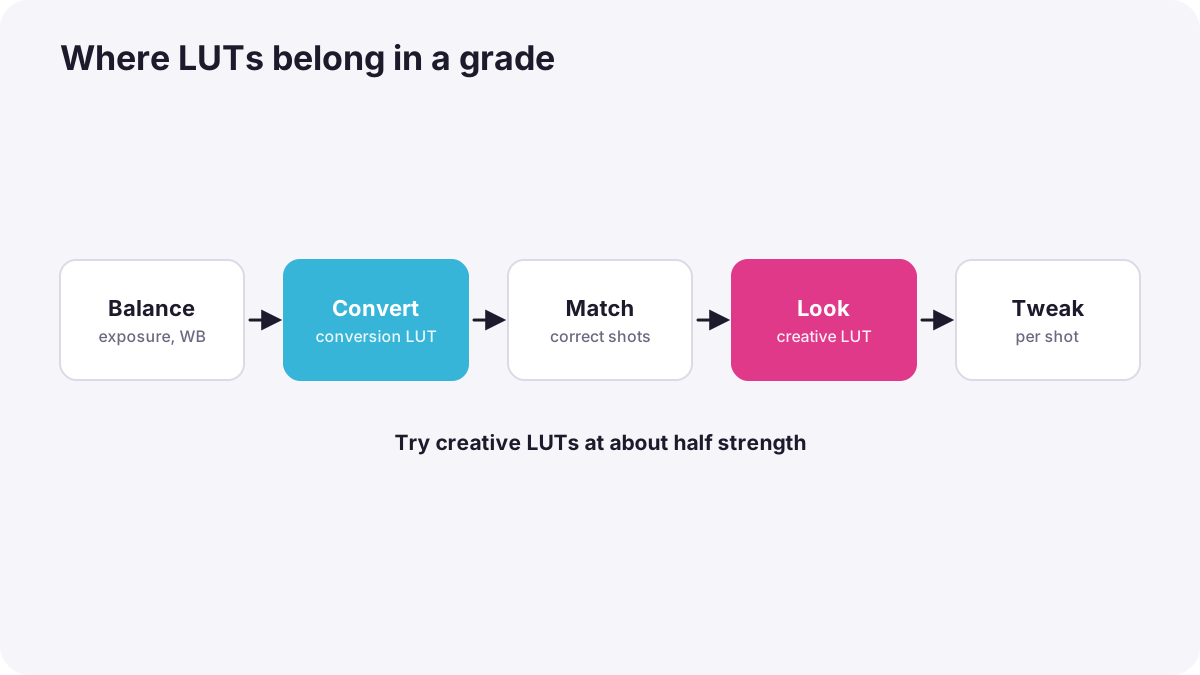
Color Grading for VideoUsing LUTs Correctly
Learn photography & video, step by step29 free courses · 429 lessons · beginner to proExplore the Academy →Learn to use LUTs correctly: technical versus creative LUTs, where to place them, correcting first, controlling stren…
What is the Cinematic Color LUT Generator?
Create millions of colour looks that match your mood — grade it live, see it instantly, and download a real LUT in seconds.
The Cinematic Color LUT Generator turns colour grading into something anyone can do in a browser. Start from a library of hundreds of cinematic themes — teal & orange, vintage film, moody, dreamy, retro, sci-fi and more — or build your own from scratch with a live colour wheel and DaVinci-style controls. Everything updates in real time on a before/after preview.
When you love the look, download it as a real .cube LUT, a HALD PNG, or an approximate Lightroom .xmp preset. The file is generated on the fly from your exact settings — nothing is pre-made — so every tweak produces a brand-new, unique LUT. Load the .cube into DaVinci Resolve or Premiere Pro (Lumetri) and the result matches what you previewed.
Preview on the built-in reference scene or upload your own photo to see exactly how a look sits on your footage before you commit. Everything runs on your device — nothing is uploaded, and there's no watermark.
Complete Step-by-Step Guide
How to generate and download a colour LUT.
1
Load a Reference
Use the built-in sample scene or upload your own photo to grade against.
2
Pick a Theme
Search or filter the theme library by category and click one — it applies instantly.
3
Tweak Live
Drag the 3-way colour wheels (shadows, midtones, highlights) and grade sliders; the before/after updates in real time.
4
Compare
Drag the divider to compare before and after on your image.
5
Download
Export a .cube, HALD .png or .xmp — baked from your exact settings — and load it in your editor.
Frequently Asked Questions
Common questions about this tool, answered.
Are the LUTs made when I download, or pre-generated?
They're generated on the fly from your exact settings at the moment you click download — nothing is pre-made. That's why every tweak produces a brand-new, unique LUT.
Will the download match the preview?
Yes for .cube and HALD — the preview and the baked file use identical maths, so DaVinci/Premiere show the same result. The .xmp is an approximate Lightroom preset (sliders can't perfectly reproduce a 3D grade).
How many themes are there?
A large, growing library of curated cinematic grades across categories like Cinematic, Retro, Dreamy, Fashion, Moody, Sci-Fi, Wedding, Travel and more — and because you can tweak every control, you can create millions of unique looks of your own.
Can I preview on my own photo?
Yes — click "Upload photo" to grade against your own image, or use the built-in reference scene (skin tones, sky, foliage and a grayscale ramp) that shows a grade clearly.
What do the colour wheels do?
The three wheels tint your shadows, midtones and highlights independently — the core of cinematic grading (e.g. teal shadows, orange highlights). Drag toward a colour to push that tonal range toward it; the centre is neutral.
Which controls are available?
Full 3-way colour wheels (shadows, midtones, highlights) plus contrast, pivot, lift, gain, black point, white point, saturation, vibrance, temperature, tint and an overall strength — everything from basic to advanced.
What LUT grid size should I pick?
33³ is the standard for Premiere/DaVinci. 65³ is maximum quality; 17³ is lighter for hardware or quick use.
How do I use the .cube in DaVinci or Premiere?
In DaVinci: add it to your LUT folder and apply from the node's LUT menu. In Premiere: Lumetri Color → Creative (or Basic) → Look/Custom LUT → Browse.
Is my photo uploaded anywhere?
No. Grading, preview and LUT baking all happen in your browser on your device; your image never leaves your computer.
Is it free?
Yes — free to create and preview, with no watermark. Downloads may count toward your plan.