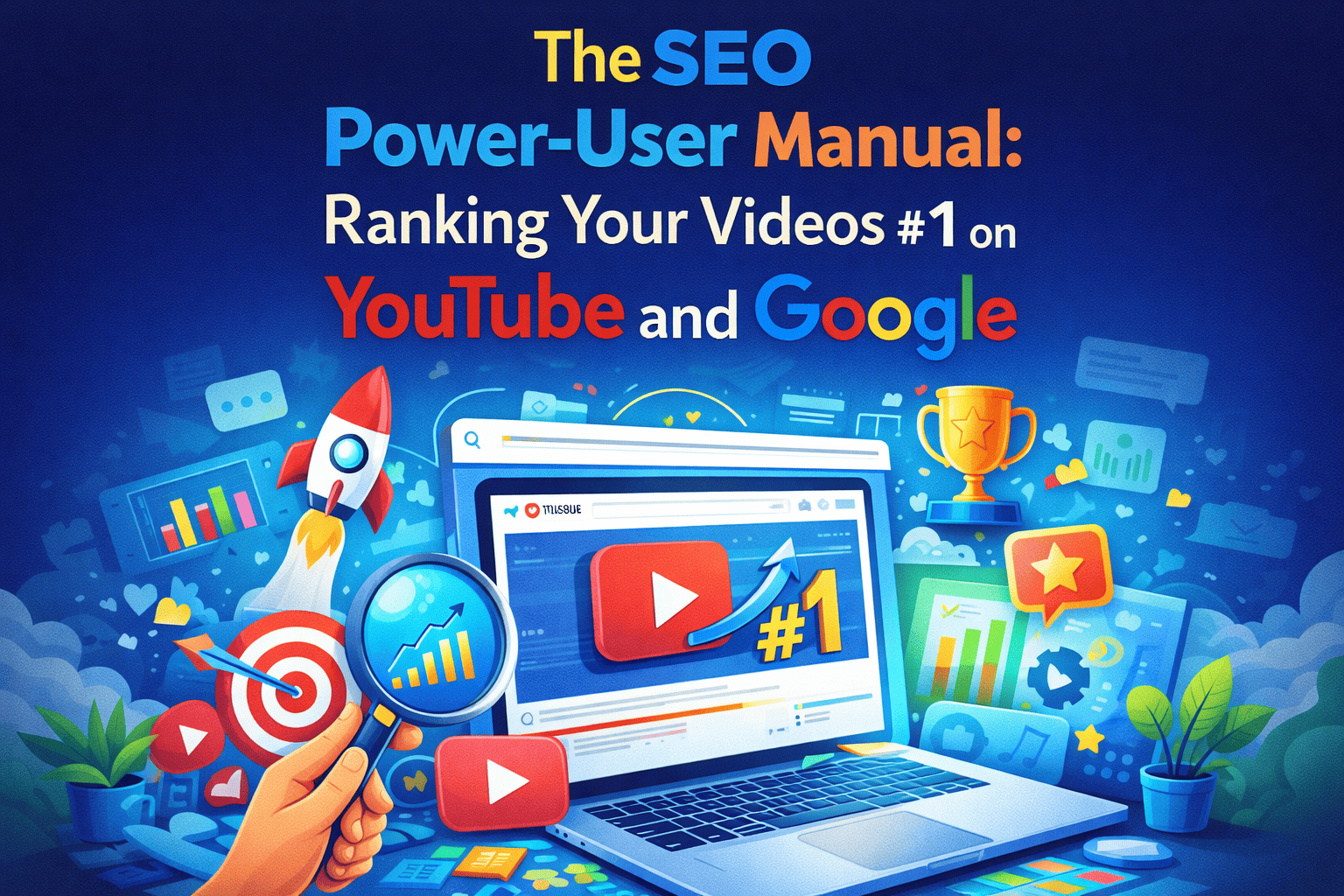
The SEO Power-User Manual: Ranking Your Videos #1 on YouTube and Google
Search Engine Optimization (SEO) is the process of making your video understandable to a machine. While humans watch your video, algorithms read your metadata. This manual provides a 4-phase technical workflow to move your content to the top of search results.
Phase 1: The "Low-Competition" Keyword Research
Success starts before you ever hit record. If you target keywords that are too broad (e.g., "how to edit"), you will be buried by giant channels.
1. The "Long-Tail" Strategy
Instead of broad terms, target "Long-Tail" keywords. These are specific phrases that indicate high "Viewer Intent."
- Broad: "Video Editing" (Millions of competitors).
- Long-Tail: "How to edit cinematic travel vlogs in Premiere Pro 2026" (Lower competition, highly targeted).
2. The YouTube Auto-Suggest Hack
YouTube tells you exactly what people are searching for.
- The Manual Step: Open an "Incognito" window on your browser. Type your main topic into the search bar but do not hit enter.
- The Workflow: Note the top 5 suggestions. These are the most searched phrases right now. Build your title around the one that most closely matches your video.
Phase 2: Metadata Engineering (The Big Three)
Once you have your keyword, you must "seed" it throughout your video’s data package.
1. Title Optimization (The Lead)
- The Formula: [Primary Keyword] + [The Benefit/Curiosity].
- Example: "SEO for YouTube: How I Ranked #1 in 24 Hours."
- Constraint: Keep the most important keyword in the first 45 characters.
2. The "Description Stack"
- Sentences 1-2: Summarize the video while naturally using your primary and secondary keywords.
- The Timestamp Workflow: You must include timestamps (e.g., 01:20 - How to use tags). Google often displays these directly in search results, giving you more "real estate."
3. Tag Strategy (The Context Layer)
- Tag 1: Your exact primary keyword.
- Tags 2-5: Broad categories (e.g., Filmmaking, SEO, YouTube Growth).
- Tags 6-15: Specific details. Use tools to extract tags from competitors to see what is working for them.
Phase 3: The "Closed Caption" (CC) Advantage
The algorithm "listens" to your video. If you say your keyword in the first 30 seconds, it confirms the video is relevant.
- Keyword Vocalization: Explicitly state your title’s main keyword within the first minute of your script.
- Manual Captions: Never rely on "Auto-Generated" captions. Upload a clean .SRT file. Correcting spelling helps Google's AI index your content more accurately.
- File Naming: Rename your video file from
final_edit_v2.mp4toyoutube-seo-ranking-tutorial.mp4before uploading.
Phase 4: The Engagement Signal Loop
Search engines rank videos higher if they see they are "Sticky" (people stay to watch).
- The Pinned Comment Strategy: Immediately after publishing, post a comment that asks a specific question. This encourages engagement, signaling "community value" to the algorithm.
- The "CTR" (Click-Through Rate) Audit: If your video ranks #1 but no one clicks, it will drop.
- The Fix: If CTR is below 4%, change the thumbnail colors or text immediately to "re-trigger" the algorithm.